Word cloud generator for phrases
Keep Thank you, Small steps and other expressions together. Add one phrase per line, then choose the words you want to stand out.
Put one phrase on each line
Phrase input treats each nonempty line as one item. Spaces between the words stay in place, so Small steps appears as a single phrase in the artwork. Paste a list with a line break after each expression. A paragraph on one line becomes one long phrase and may be difficult to fit.
Small steps
Make room
Keep going
Ask why
Think clearly
Take a break
Try again
Begin today
Try the eight phrases above, then change the weights in the word list to give your favorites more emphasis. You can also import phrases with weights using the CSV tool. Punctuation stays in the artwork, so remove a trailing period if you prefer the design without it.
Keep the meaning of the whole expression
Some words need their neighbors. Not enough practice means something different from enough practice, and Thank you works better as a complete message. Use phrase input for those expressions. Common-word removal is useful when counting ordinary text, but phrases stay together so small words within them are preserved.
| What you want to show | How to enter it |
|---|---|
| Thank you | Put Thank you on one line. |
| Time to think | Put Time to think on one line. |
| Café club | Keep the accent and the space. |
| red, blue and green | Use one line, or quote the field in a CSV. |
Choose a shape with room for longer phrases
A circle or speech bubble usually gives phrases more room than a star or a narrow letter. Start with a few expressions and check the report after generating. If one does not fit, try less spacing or a smaller maximum font size. Those changes affect the layout, so generate again to see the result.
A phrase can contain up to 100 Unicode characters, but its length and the chosen font still affect whether it fits. For an important line that stays unplaced, try a wider shape or put the full sentence in a caption beside the artwork. Shorten the wording only when the shorter version says what you mean.
Share a readable version too
Decorative lettering can be hard to read at a small size or with assistive technology. Keep a plain list of the phrases in your document, slide notes or printed caption. The exported CSV can help with that. Save a project JSON before experimenting so you can return to the wording and arrangement you liked.
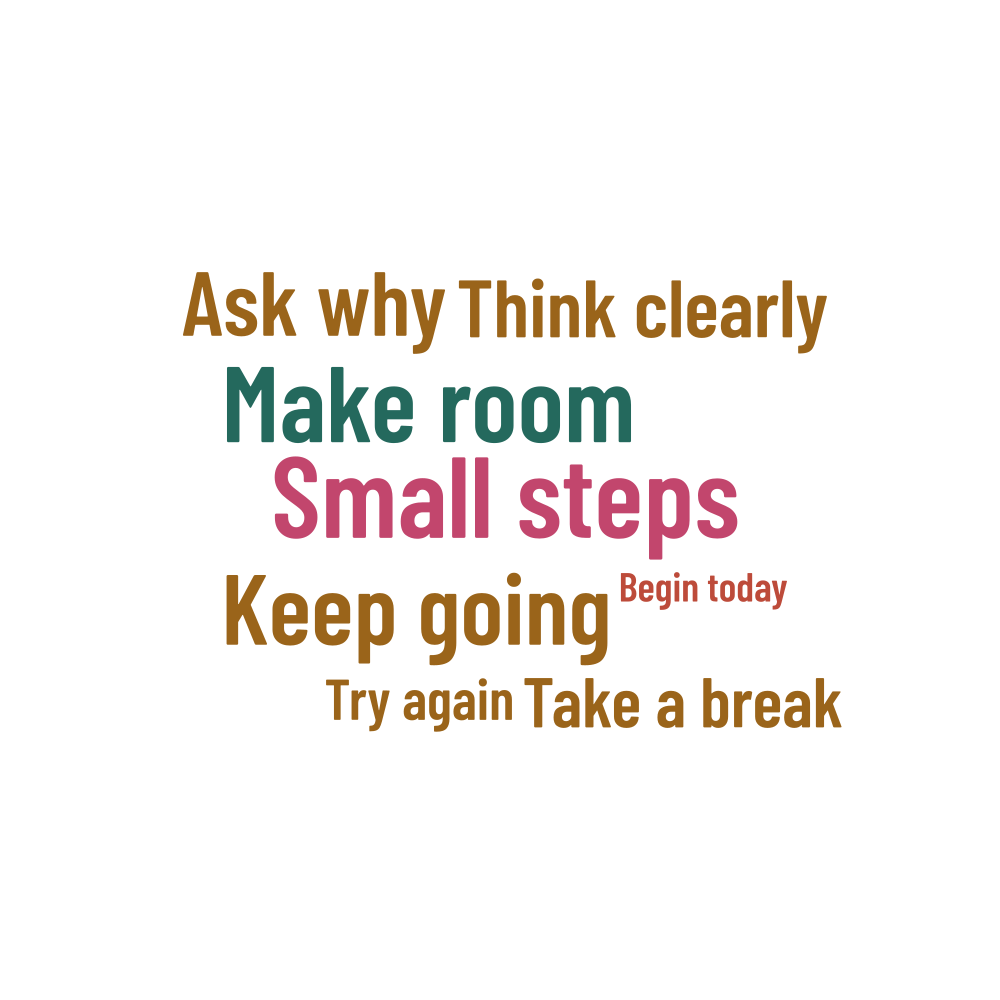
Words in this example
Small steps · Make room · Keep going · Ask why · Think clearly · Take a break · Try again · Begin today