Keep phrases together in a word cloud
Small words can change a whole message. Learn when to count individual words, when to keep phrases together and what to remove.
Choose text or phrases first
Use ordinary text input when you want to count words in a note or paragraph. The tokenizer separates supported Latin-script words while keeping internal apostrophes and hyphens. Use phrase input when you already have a list of expressions: each nonempty line becomes one item, including the spaces between its words.
Thank you therefore becomes two tokens in text input and one row in phrase input. Leading and trailing spaces are trimmed, while spaces and punctuation inside a phrase stay. If you import a CSV, a phrase in the word column also stays together. Choose the format that matches what you want to show.
See what a stopword list removes
Thank you for your time. Thank you for your care.Turn lowercase on and leave common-word removal off to count the ten words in these two sentences. You will get the values in the middle column below. Now use a custom stopword list containing only for and your. Those two words disappear, leaving the counts in the final column. A different stopword list will give a different result.
| Token | Before filtering | After removing for and your |
|---|---|---|
| thank | 2 | 2 |
| you | 2 | 2 |
| for | 2 | removed |
| your | 2 | removed |
| time | 1 | 1 |
| care | 1 | 1 |
For a design built around complete expressions, switch to phrase input and put Thank you, Your time and Your care on separate lines. You will get three rows with a starting weight of 1 each. That approach highlights the expressions you chose, rather than counting every word in the original sentences.
Keep words that affect the meaning
Not helpful, helpful and very helpful make different points. Before removing a short word, check whether the remaining phrase would still say the same thing. This is especially useful for feedback, where a negative or a qualification can be easy to lose. Keep the whole phrase when its wording is the point.
The English stopword list is a starting point you can edit. Look through it for words that matter to your topic before applying it. For another language, use a list you have checked yourself; changing the parsing locale does not provide translated stopwords. The interface remains in English while you work with your own text.
Check the list before generating
- Compare a few original sentences with the word rows.
- Check lowercase, accents, numbers and the selected stopword list.
- Put meaningful expressions into phrase rows.
- Choose whether matching CSV rows should be merged.
- Save the project JSON to keep the resulting words and phrases as they are.
If a phrase cannot fit, try a broader shape or a smaller maximum size first. A long sentence can also sit in a caption outside the artwork. Use the report to find any missing expressions, and shorten them only when the shorter wording still carries the meaning you want to keep.
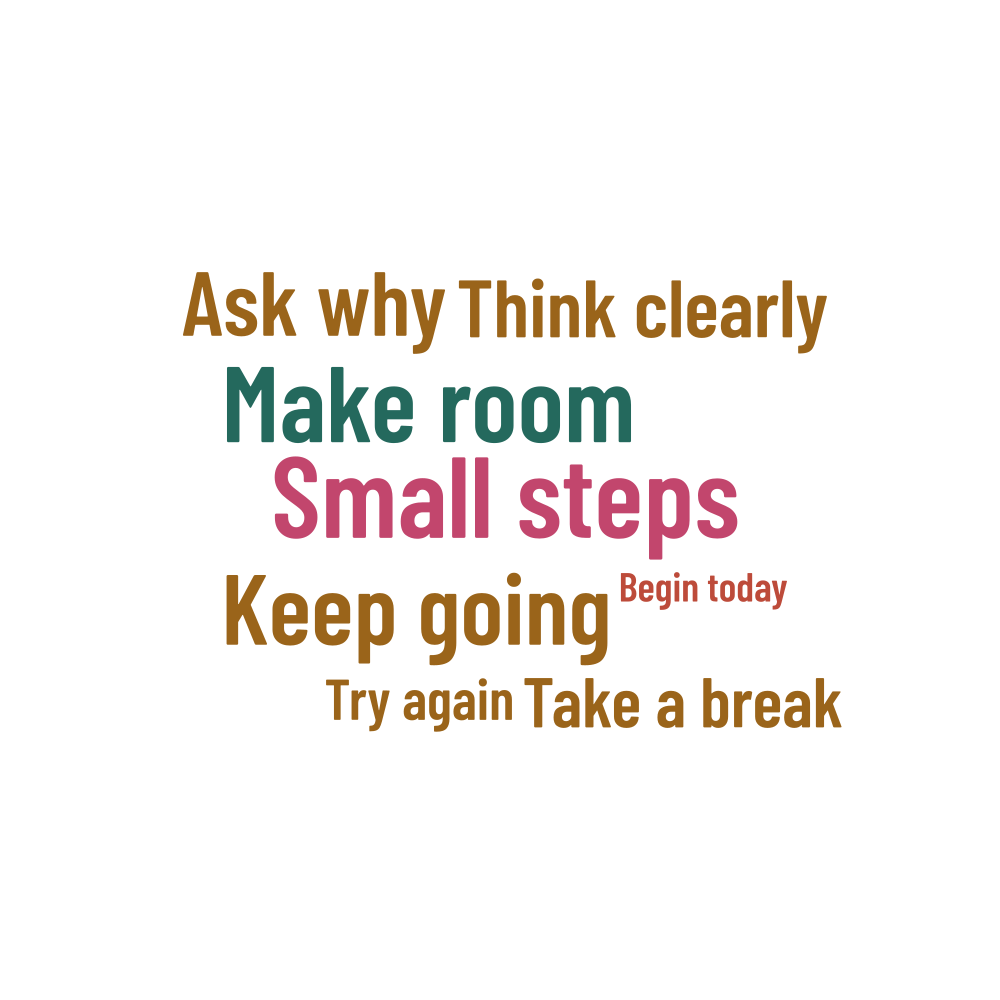
Words in this example
Small steps · Make room · Keep going · Ask why · Think clearly · Take a break · Try again · Begin today