CSV word cloud generator
Already have a list and a set of counts? Import them together, then choose how much emphasis each word gets.
Import words and weights from a CSV
Save your spreadsheet as a UTF-8 CSV with two columns: word and weight. The first line must be word,weight, in that order. Put one word or phrase on each row and give it a number greater than zero. If a phrase contains a comma, wrap the whole phrase in quotation marks; double any quotation marks inside it.
word,weight
calm,2
calm,3
focus,4
create,3
share,2
learn,2
bright,1
In the sample above, calm appears twice. Turn on duplicate merging to combine weights 2 and 3 into one calm row with a weight of 5. Leave merging off to keep the two rows separate. Only matching labels are merged: café and cafe stay separate, as do words with different meanings.
Fix the rows flagged during import
If a row has a missing or invalid weight, the message tells you its line number. Correct that row in the source file and import it again. Use the count you actually have, or choose a design weight if you are making a decorative piece. Remove a row if you don't want it included.
| CSV entry | What happens |
|---|---|
| calm,0 | Needs a weight greater than zero. |
| bright,heavy | Needs a number in the weight column. |
| "Clear goals, shared notes",4 | Imports as one phrase, including the comma. |
| calm,2 and calm,3 | Merges to calm,5 when duplicate merging is on. |
Choose how weights affect word size
Square root brings large and small weights closer together, which can help a varied list fit. Linear makes font size change directly with weight, so the differences look stronger. Word length and letter shapes also affect how much space each item takes. Keep a table of the counts nearby when the numbers matter.
Open the six-word example in a circle first. Use horizontal words and a modest size range, then check the placement report. You can change the palette without moving the words. A different shape or more spacing changes the available room, so generate a new layout after adjusting those settings.
Download the list as well as the artwork
A CSV gives you a readable copy of the words and weights to use alongside the design. A project JSON also keeps the settings and finished positions, so you can reopen the layout later. Download both before making another version, and keep personal or confidential lists in a folder you control.
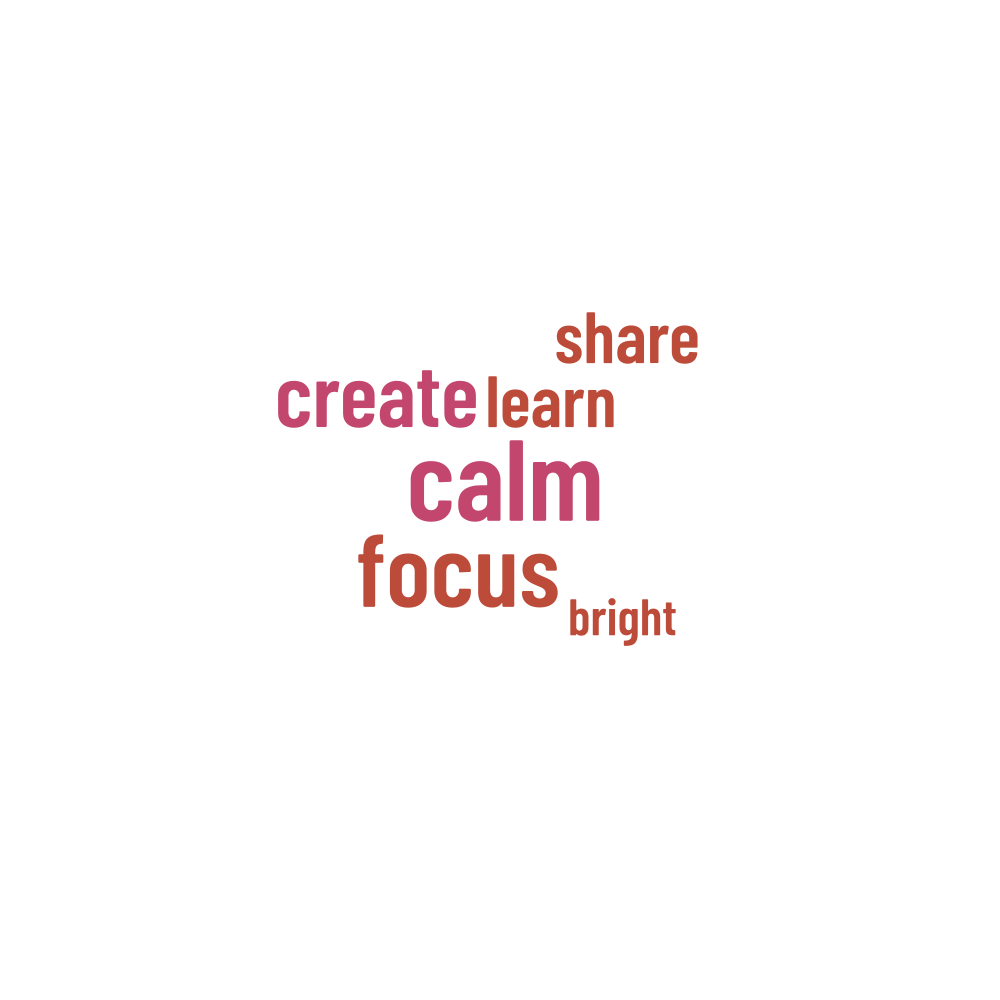
Words in this example
calm · focus · create · share · learn · bright