Save and reopen a word cloud project
Keep an editable copy of your word cloud, reopen it with its saved layout, and know what to do if a file cannot be loaded.
1. Choose a browser save or a downloaded copy
Save on this device keeps one project in this website's storage for the browser profile you're using. Saving another project replaces that copy. For a backup, a separate version or a file you can move to another device, choose Download project JSON. No account or cloud storage is involved.
The JSON file contains your words, weights, exclusions, font, shape, layout settings, seed, word positions, colors and export preferences. It can also contain a project title. Keep it private if the wording is personal: it includes the full word table, which may contain more text than the finished artwork shows.
2. Save a version you want to return to
- Check the word list and placement report.
- Give the project a useful title, leaving out personal details it doesn’t need.
- Choose Save on this device to continue in the same browser, and check the confirmation.
- Choose Download project JSON for a separate copy you can keep.
- Use a new filename for each version you want to preserve.
To try saving and reopening a project, use the weighted-list example. It contains calm 5, focus 4, create 3, share 2, learn 2 and bright 1, with seed 1201. Generate it, check the report and download the project JSON. You'll use that complete file to restore the words and layout.
3. Keep the whole file, not just the seed
A seed is one part of the layout settings. The short JSON excerpt below shows where it appears, along with the engine and shape versions. This excerpt cannot be imported on its own. Use the complete download from the editor, which also includes the words, font details, positions, outlines and other settings.
{
  "schemaVersion": 1,
  "locale": "en",
  "textLocale": "en",
  "config": {
    "seed": 1201,
    "engineVersion": "wordshapelab-grid-1.0.0",
    "shapeId": "circle",
    "shapeVersion": "original-masks-1.0.0"
  }
}
The same words, font data, engine version, shape, settings and seed reproduce the same layout data. Changing the canvas proportions, font or minimum readable size can change the result even if the seed stays the same. The generator uses xorshift32 for its repeatable sequence; a seed of zero uses a fixed nonzero fallback.
4. Reopen the saved project
Choose Open project and select the complete JSON file. The editor checks the file format, versions, font, number ranges, outlines and placement report before showing the design. It reads saved outline data rather than importing SVG markup. If the checks fail, use the message to find a compatible or intact copy.
Compare the reopened word list, seed, shape, background and placement report with the version you saved. The editor restores the saved words directly rather than parsing them again. The artwork background is saved with the project and stays separate from the app's light or dark theme.
5. If a project cannot be opened
| Problem | What to try |
|---|---|
| Unsupported file or engine version | Keep the original. Open it with a compatible version, or start a new project from the words and weights. |
| Font version or hash mismatch | Keep the original and use a version with the matching bundled font, if available. |
| Invalid JSON or outline data | Try an intact project download. Avoid deleting fields to force the file to open. |
| File is larger than 10 MiB | Use a saved version within the import limit. The editor cannot load only part of a project. |
| Browser save fails | Download project JSON so you have a separate copy, then check your browser’s storage settings. |
Don't change a version number in the JSON to get past an error. For example, changing schemaVersion from 1 to 2 doesn't convert the file to another format. Keeping the original intact gives you the best chance of reopening the layout with the font and engine it was made with.
6. Remove a saved browser copy
Choose Clear saved project when you no longer want to keep the project in that browser profile. This doesn't delete downloaded JSON, CSV, SVG, PNG or PDF files. Check your downloads folder, backups and synced folders separately, especially if you're working on a shared computer.
When comparing a restored project, check the words, settings and positions. PNG compression can vary between browsers, so two files can show the same layout without having identical bytes. Your word list isn't added to a public URL, and there is no account recovery service. Keep a project download wherever you normally back up your work.
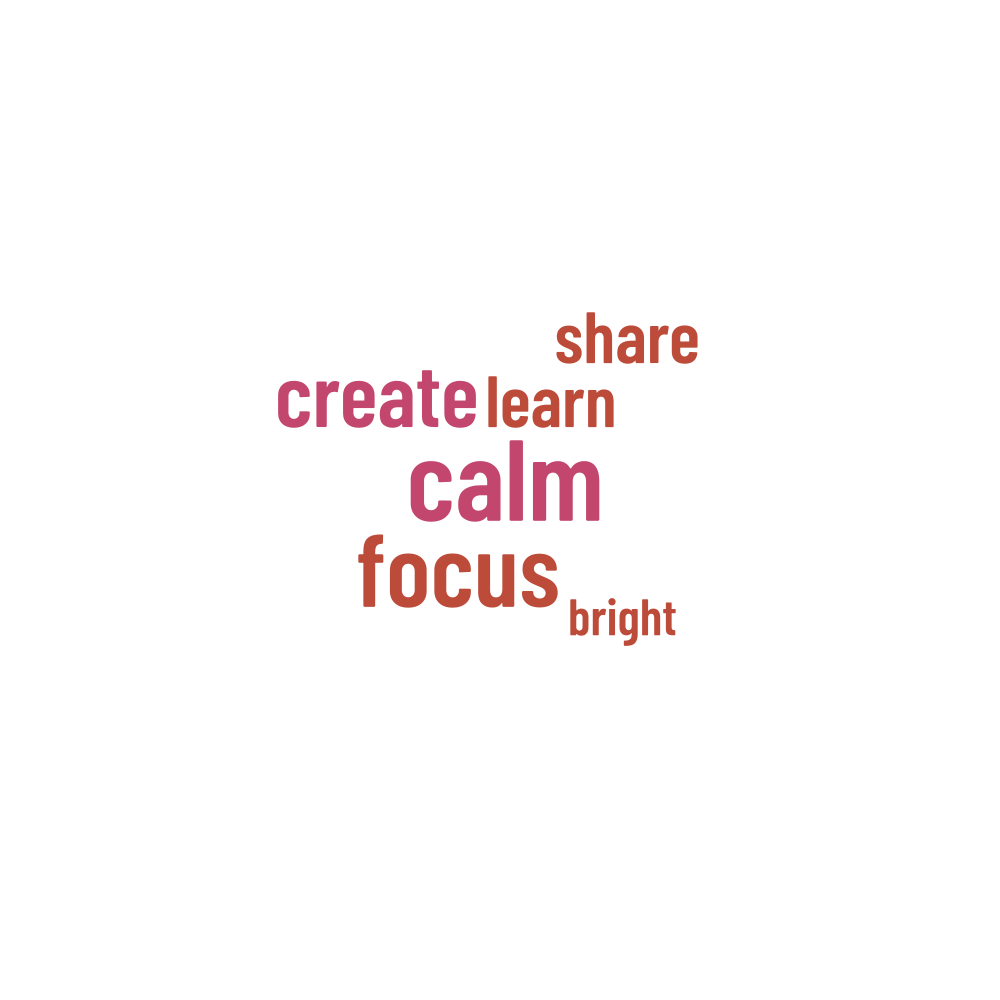
Words in this example
calm · focus · create · share · learn · bright