Choose a theme for your tree
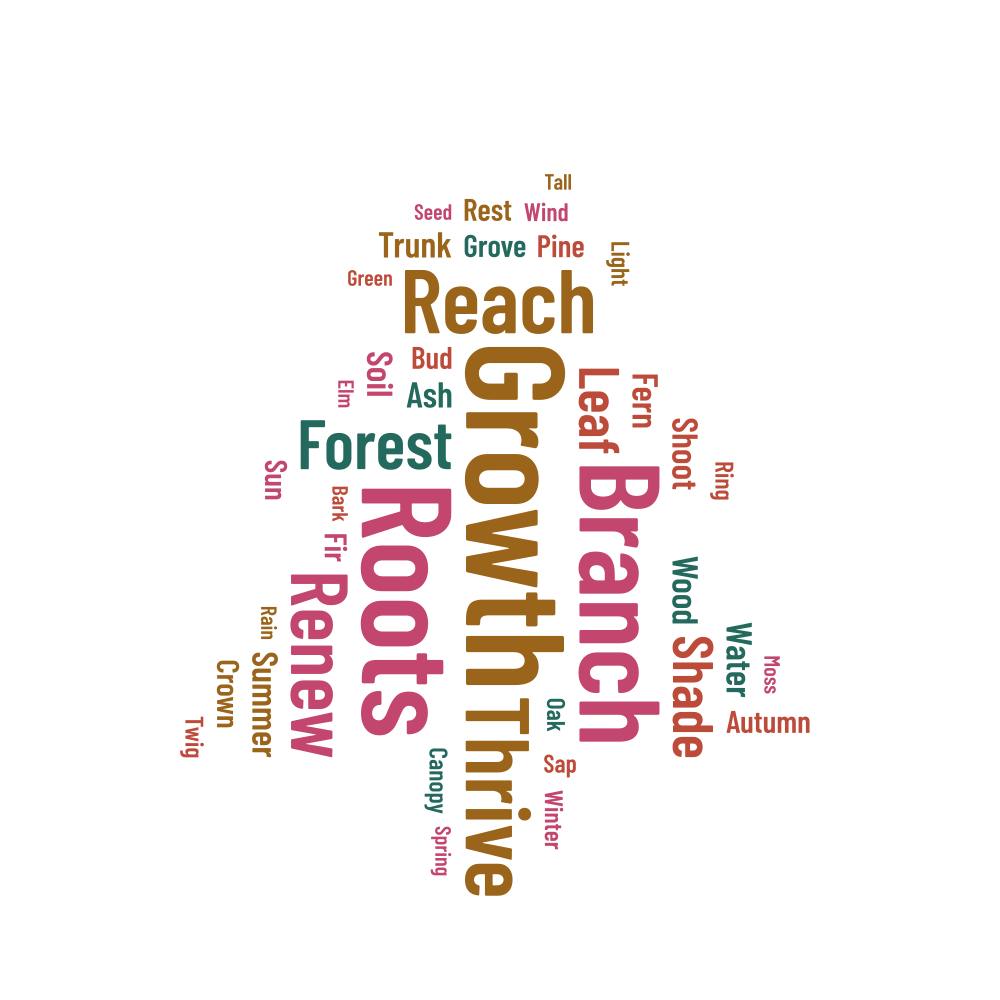
A tree works well for words about growth, community, the seasons or a new chapter. This example starts with Growth, Roots and Branch. Keep the general nature theme, or choose a more personal list for a group display, a family keepsake or a gift marking a change in someone's life.
Let the words explain the idea
Roots can suggest shared history, while Renew can point to a fresh start. Choose words that make sense to the people who will see the design. If the idea needs a full sentence to explain it, put that sentence in a caption below the tree rather than trying to squeeze it into the shape.
Smaller words such as Shoot, Bud, Twig and Bark add detail to the sample, with weights from 0.3 to 0.8. You can remove or replace them as you build your own list. Try the supplied horizontal/vertical arrangement first, then decide whether horizontal-only words would suit your print better.
Leave space around the trunk and branches
The canopy gives words more room than the trunk or branch tips. Each word needs enough space for its full outline and padding, so long phrases can remain unplaced. Read the report before making everything smaller; a wider canvas or a different shape may make an important phrase easier to include.
- Begin with a short list, then add more words if there is room.
- For a taller print, choose portrait proportions and generate again.
- Check the unplaced rows before shortening a phrase or lowering the minimum readable size.
Keep the tree in proportion
Choose the width and height to suit your frame before the final download. Scale the finished design evenly to keep the tree's proportions. A plain list or a personal note can sit below the artwork on the page without having to fit inside the trunk and branches.
Download a project JSON to keep your list and layout together. Make a separate copy before trying another seed or changing the proportions. If you only want a different mood, change the palette: the words will stay in their current positions.