Build a reading display around your words
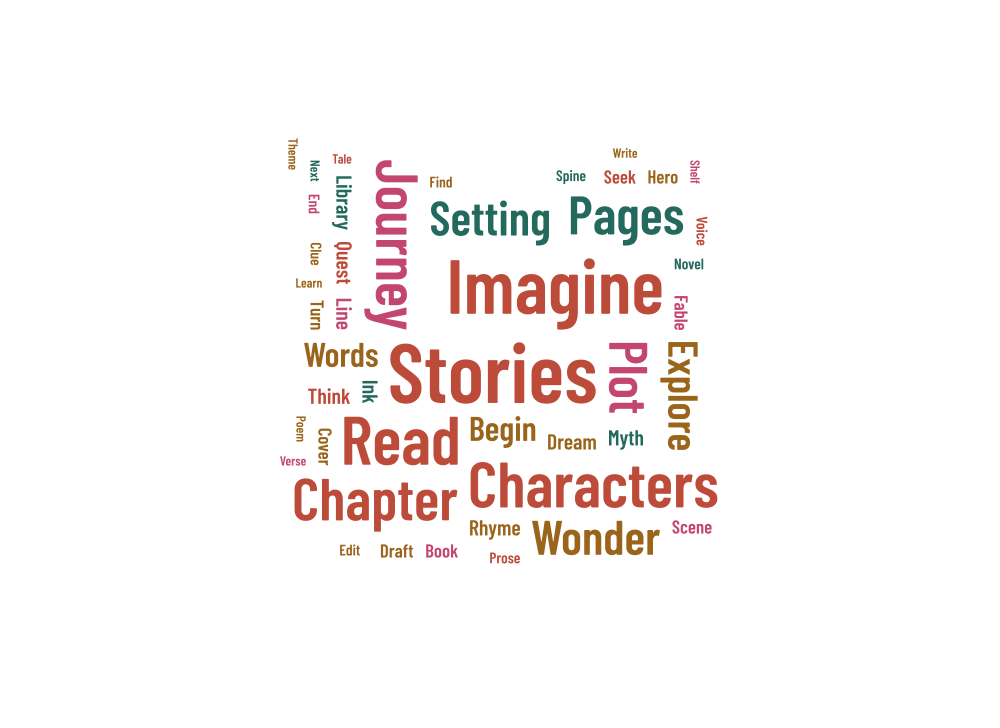
An open book makes a fitting shape for a library display, a reading corner or a classroom topic. The example includes Stories, Imagine, Read, Characters and Chapter. Use the story vocabulary as it is, or replace it with terms from a subject your readers are exploring.
Keep useful vocabulary together
Use phrase input for concepts that need more than one word. A classroom display is easier to use when it also includes a normal text list with definitions or examples. Give terms equal weights if they should start at the same font size; longer words will still take up more room.
Ink, Cover, Spine and Shelf appear among the supporting words, with sample weights from 0.3 to 0.8. Their smaller lettering leaves room for the main reading themes. Compare the supplied mix of horizontal and vertical words with horizontal-only rotation before deciding which version is clearest for your audience.
Check the space around the fold
The two page areas form a broad shape, but the central fold and curved edges limit where a whole word can fit. Use the placement report to find any missing terms. Changing the size or padding can help, and a shorter list may be more readable for a small display.
- Start with the 220 × 160 mm landscape example.
- Choose the main topic words before adding supporting vocabulary.
- After changing the proportions, compare all word-list rows with the placed and unplaced counts.
Print a display people can read
Place the book artwork above or beside your vocabulary list. View the exported file at its intended size, paying particular attention to the smaller words. A vector file can scale cleanly, but fitting the whole design onto a small card also makes every word smaller.
Keep a project JSON for the next topic or reading activity. It preserves the complete word list as well as the layout you checked. You can try a different palette without rearranging the words, or save a new version before changing the seed.