Download and print your word cloud
Pick the right file for your next step, from a slide image to a framed print. Keep the project too if you want to edit it later.
Choose a file format
| Format | Best for | What you get |
|---|---|---|
| Outlined SVG | Resizing in design software that supports SVG | Sharp letter shapes, without needing to install the artwork font. |
| PNG | Documents, slides and image uploads | A fixed-size image, with white, colored or transparent background. |
| Printing at a set page size | Your selected page dimensions and artwork fitted within the PDF margins. | |
| Project JSON | Editing the design later | Your words, weights, settings and saved word positions. |
PNG, SVG and PDF all use the layout you have already generated. Switching formats keeps the words in place. Save a project JSON as well if you want to edit the list or settings later: an outlined SVG contains letter shapes rather than editable text. An optional SVG or PDF title adds metadata, so place any visible heading or caption in your card, slide or page design.
Match the size to the way you will use it
Millimeters describe the physical size of a print; pixels describe the resolution of a PNG. A 200 × 200 mm design exported at 2,000 × 2,000 pixels gives approximately 254 pixels per inch at that size. Printing it larger spreads those pixels over more paper. Ask your printer which resolution it needs for your chosen size and paper.
Scale finished artwork evenly to keep the letter shapes and outline in proportion. A square cloud can sit comfortably on a portrait page with space around it. If you want the words rearranged to fill a taller shape, change the canvas proportions and generate a separate version. Check its placement report before you download it.
Check the background against your page
The app's light or dark theme changes the controls around the artwork. Choose the artwork background separately. White is straightforward for white paper; transparent can work well on a colored slide or card. Place the download on its intended background and check the contrast. A transparent file leaves that area unpainted; the paper or underlying design still supplies the color.
Choose a PNG size your browser can handle
The default PNG budget is up to 4 megapixels. You can request up to 25 megapixels, with no edge longer than 8,192 pixels, but the practical limit depends on browser memory. If a large image cannot be created, try a lower resolution or download SVG or PDF. The export message tells you when to make that choice.
Open the download before you print
- Open the file in the viewer or app you plan to use.
- Check the page dimensions or image size.
- Compare the artwork with the final placement report.
- Look closely at small words, accents and background contrast.
- For printing, check the scale and margins in the print dialog and make one test copy.
Paper, ink and printer settings can all affect the result. WordShapeLab exports RGB artwork and does not prepare CMYK separations, bleed or a color-managed press proof. If you are using a print shop, confirm those requirements with the supplier before ordering. A test print at the intended size is the best way to check readability.
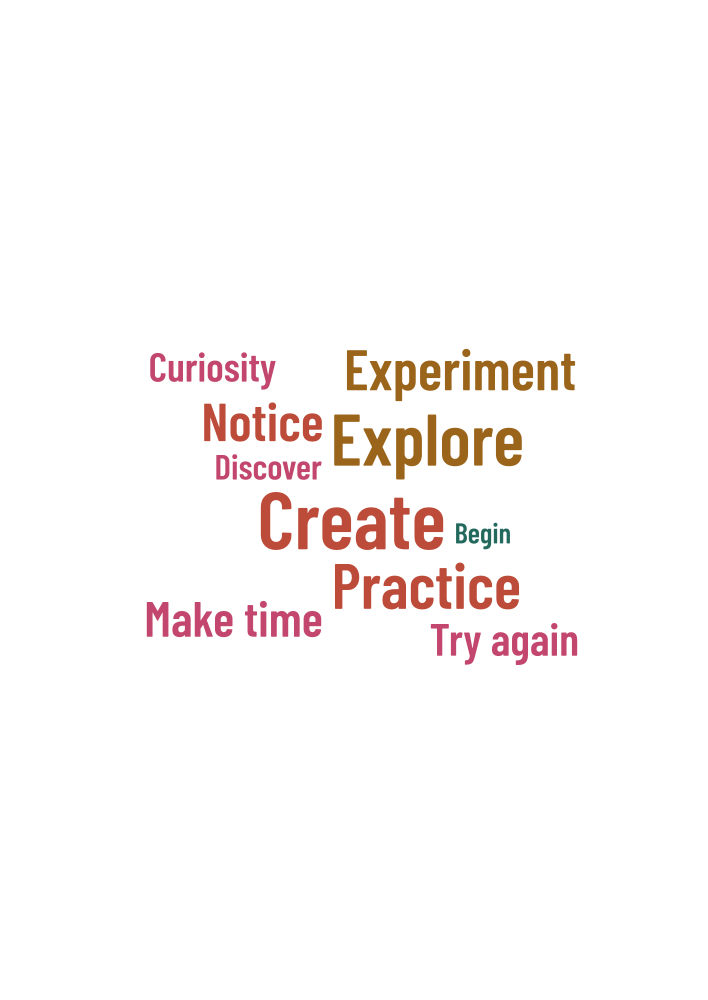
Words in this example
Create · Explore · Practice · Experiment · Notice · Make time · Try again · Curiosity · Discover · Begin