Start with a simple circle
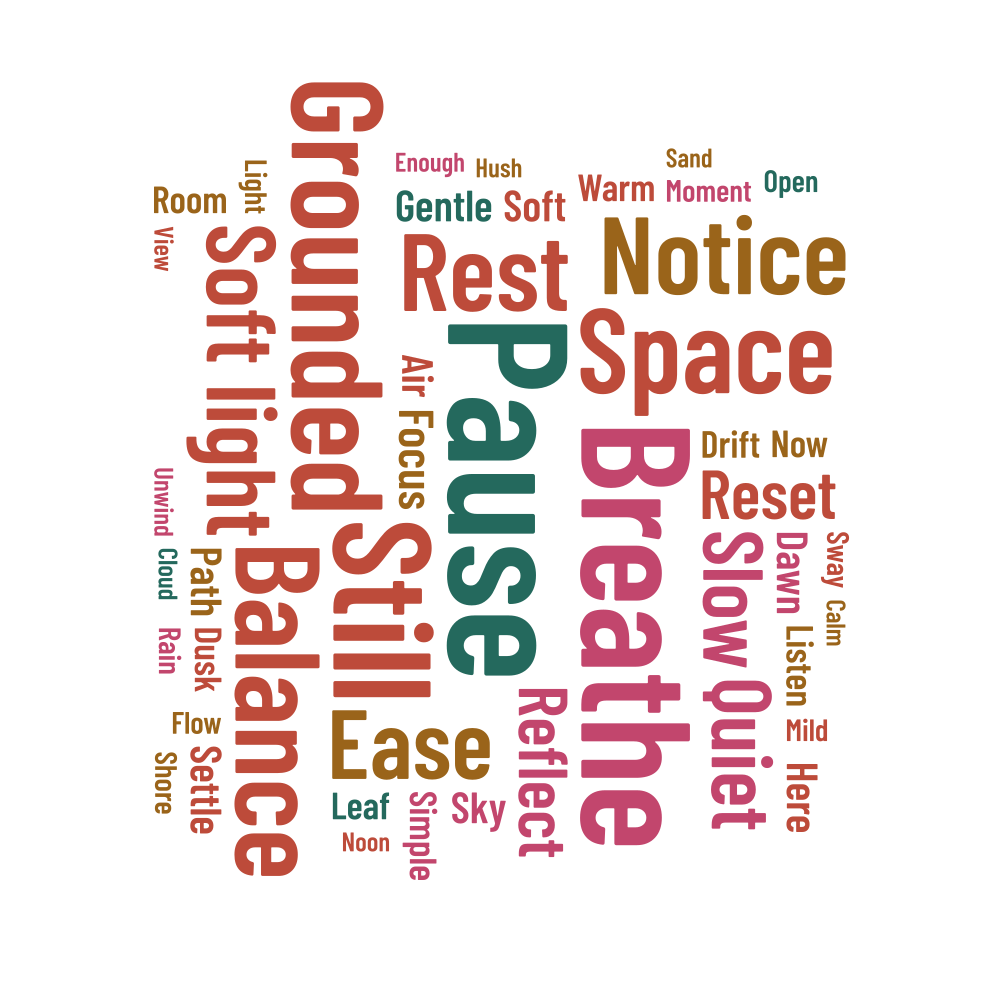
A circle works well for labels, classroom displays and prints with a clear central theme. This example uses words about a quiet moment, with Pause and Breathe given extra space. Swap in vocabulary, a team's ideas or a personal message to give the design a purpose of your own.
Decide which words lead the design
Pause, Breathe, Still and Grounded carry the highest weights, and Soft light appears as one phrase. These weights were chosen for the design. If you use counts from your own text, keep those numbers in the list; for a decorative print, adjust the weights until the balance suits your message.
The supporting words include Air, Room, Light and View, with weights from 0.3 to 0.8. Short words can fit into spaces that longer expressions leave open. The example allows horizontal and vertical lettering. Try horizontal-only rotation if you want a simpler reading order, then compare the two versions.
Make use of the wide center
The center offers the most room, while the top and bottom curve inward. A long phrase still needs enough width for the whole line. Increasing the maximum font size gives the first words more presence, but can leave less room for the rest, so check the report after each layout change.
- Keep a square canvas so the circle stays round.
- Compare the placed and unplaced counts when changing the rotation.
- For a small print, try a dark palette on white and check every word at its final size.
Size the circle for your project
The example is set to 200 × 200 mm. You can scale the finished circle uniformly at export, or change the canvas proportions and generate a new arrangement. For a round sticker, ask your printer about the cut line and safe area; the word-cloud outline is the shape of the artwork.
Keep a project JSON along with your finished download. It lets you reopen this arrangement for a new color, a different label or a correction to the text. If you change the seed, save the new version separately so the first design is easy to find.