Choose words that feel like them
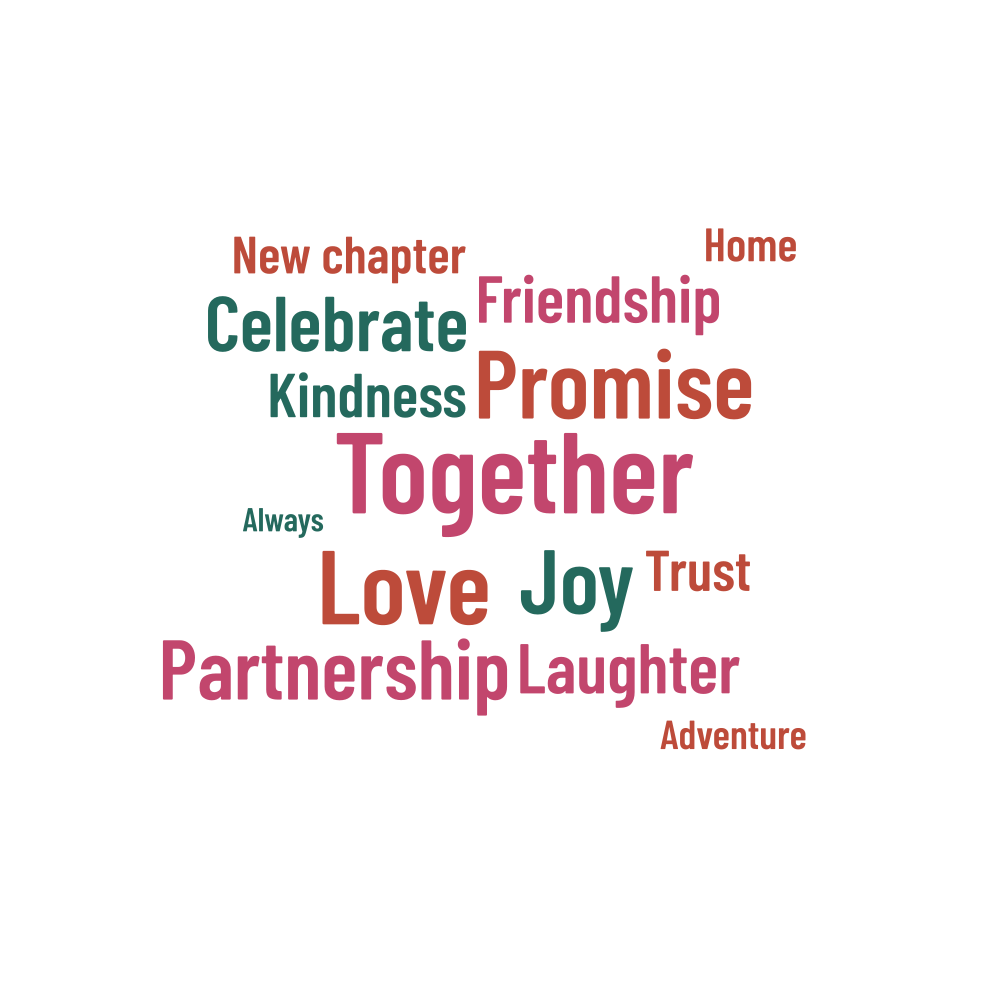
Together, Love and Promise lead this circular design, with Partnership, Friendship and New chapter among the other suggestions. Keep the words that suit the couple and replace the rest. A few details from their own story can make a simple print feel much more personal than a generic greeting.
Think about how the couple would describe their relationship. A place they love, a familiar expression or a word that brings back a shared memory can be a good starting point. Use phrase input to keep those expressions together, then choose which ones deserve the largest lettering.
Add names and a date
You can enter names, a date or a short saying as a phrase. Check accents and punctuation before generating the layout. Long names may work better above or below the circle in your card design, where they can be read easily. Keep the word cloud focused on the message you want it to carry.
| Example settings | Value |
|---|---|
| Shape | circle |
| Words in the list | 14 |
| Physical artwork size | 200 × 200 mm |
| Seed | 271828 |
Before you download
- Check both names and the date format.
- Give the main message the weight you want it to have.
- Try the artwork against the background of the card or print.
- Read the unplaced list to make sure a favorite phrase has not been left out.
Make a card, print or keepsake
The example starts at 200 × 200 mm. Keep the circle in proportion when placing it on a card or a larger sheet. A transparent PNG is useful when the surrounding design has its own background; check that every word is still easy to read against that color before printing.
Save a project JSON with the version you like, then keep the finished artwork beside it. Include the chosen dimensions and background when sending the file to a printer. The project file contains the names and words you entered, so share that editable copy only with people who need it.