Ways to use word clouds
How to make a word cloud from survey responses
Work through five sample responses, keep important phrases together, and show readers what the word sizes mean.
Survey walkthrough
Clear goals and useful examples.
Useful examples, but not enough practice.
Clear goals; more time for questions.
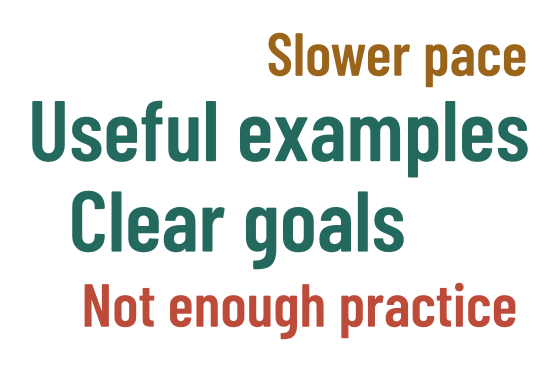
1. Keep the question and responses together
A word cloud can be a useful way to open a discussion about feedback. Before you make one, keep a copy of the survey question and the complete responses. Remove names and other details the image doesn't need. You'll want the original wording close by when you decide which phrases to include.
Here are five invented responses to a workshop survey. They let us work through the whole process without using anyone's private feedback. For your own survey, check whether respondents expected their words to be shared, and choose wording that keeps the meaning of each response intact.
1. Clear goals and useful examples.
2. More time for questions.
3. Useful examples, but not enough practice.
4. Clear goals; more time for questions.
5. A slower pace would help.
2. Keep phrases that carry the meaning
Counting individual words would separate practice from not enough. That would hide the point of the third response. Instead, we'll use five phrases: Clear goals, Useful examples, More time for questions, Not enough practice and Slower pace. Compare each phrase with the response it came from before adding it to your list.
Slower pace is a shortened version of A slower pace would help. The table shows where each theme appears. Count a theme once per response, even if it is repeated within that response. One response can contribute several themes, so these weights don't represent separate groups of people or percentages that add up to 100.
| Theme | Responses | Weight |
|---|---|---|
| Clear goals | 1, 4 | 2 |
| Useful examples | 1, 3 | 2 |
| More time for questions | 2, 4 | 2 |
| Not enough practice | 3 | 1 |
| Slower pace | 5 | 1 |
3. Add the phrases and counts
Open the CSV word cloud generator and import the list below. Check that there are five rows and that their weights add up to eight. Each phrase should stay in one row. Leave the wording intact while you try different shapes; the placement report will tell you which phrases fit.
word,weight
Clear goals,2
Useful examples,2
More time for questions,2
Not enough practice,1
Slower pace,1
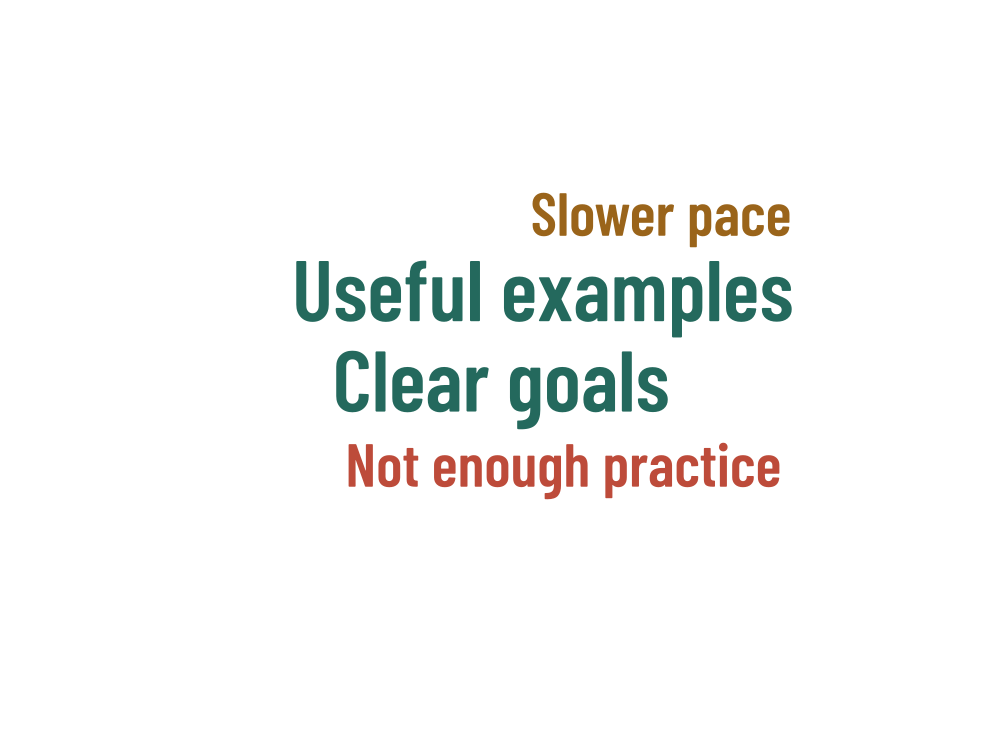
The example uses a speech bubble, a 200 × 150 mm canvas and seed 1729. Horizontal text is a good starting point for these phrases. In the saved example, More time for questions is unplaced. Keep it in the theme table and try a smaller maximum font size or another shape before shortening the wording.
4. Add a caption and the counts
Keep the theme table beside the image when readers need exact values. A long phrase can look more prominent than a short phrase with the same weight, and the area covered by letters is not an exact measure of the count. The cloud offers a visual introduction; the table lets people compare the numbers.
5. Save the image with its context
Check the placement report, then download the artwork and a project JSON. Keep them with the responses, theme table and caption. If you change a phrase or combine two themes later, update those records too. That way, someone returning to the image can follow how you arrived at the list.
This approach works best with a small set of responses you can read in full. It doesn't analyze sentiment or tell you how a wider population feels. WordShapeLab arranges the phrases and weights you choose, in your browser. You remain in charge of how the feedback is interpreted and described.