Start with something you would say in a card
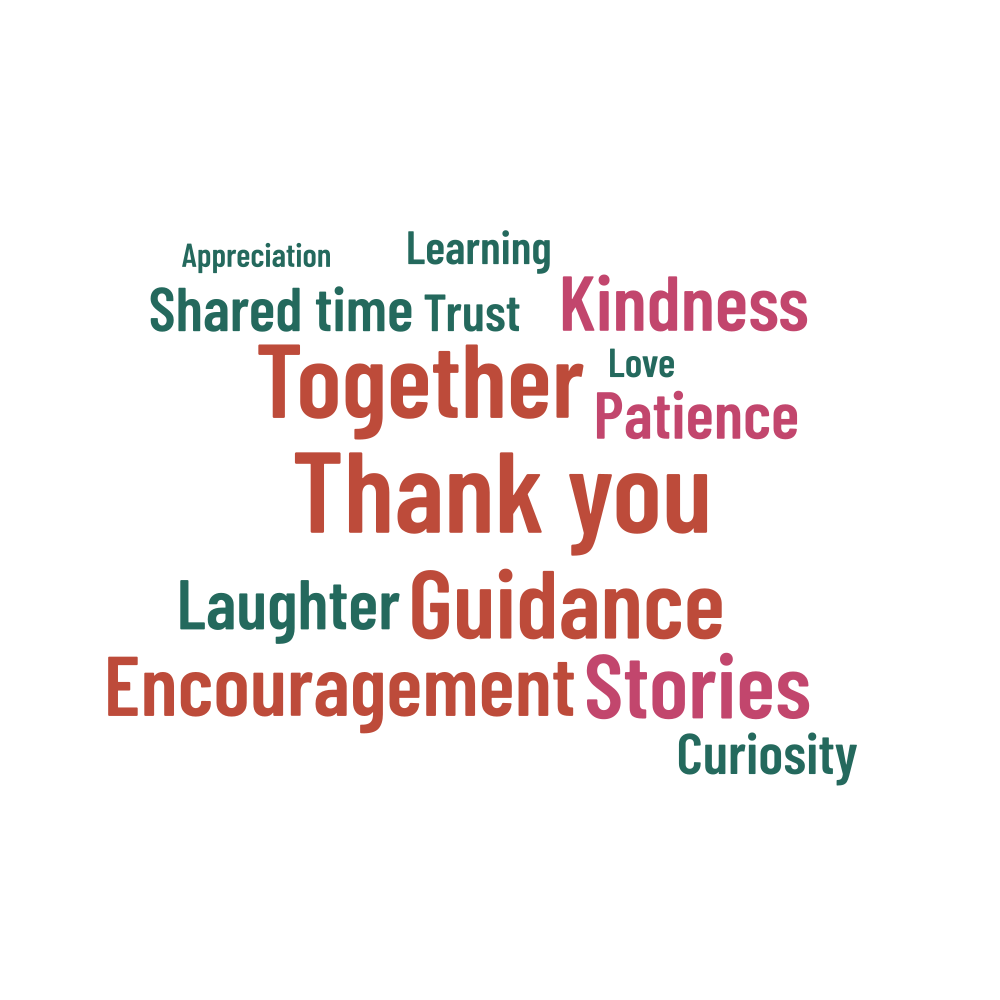
A familiar phrase, a shared joke or a few words of thanks can give this circular design its meaning. The example focuses on shared time, stories, encouragement and learning. Keep the suggestions that fit the person you have in mind and replace the others with words that sound like you.
Thank you and Together have the largest example weights, followed by Guidance and Stories. You can give a name or another phrase that position instead. Use the form of address you normally use, and put multiword expressions on one line so they stay together in the artwork.
Keep the list focused
Short phrases such as Shared time can do more than a crowded list of unrelated words. Choose a few that bring a particular memory to mind, then add supporting words if there is space. A longer quotation or story will be easier to read in a note next to the print.
| Example settings | Value |
|---|---|
| Shape | circle |
| Words in the list | 14 |
| Physical artwork size | 180 × 180 mm |
| Seed | 173205 |
Check the wording and the layout
- Check the spelling of a name and any accented letters.
- Review the weights if you have combined suggestions from several people.
- Check the placed and unplaced counts together.
- Choose the artwork background separately from the app's light or dark theme.
Print a card or a small keepsake
The example is 180 × 180 mm, ready for a square design. For a black-and-white home printer, try the Monochrome palette on white. Check the smallest lettering at the intended size before printing your final copy. Leave room around the circle if a frame or mount will cover the edges.
Save a project JSON before trying a new arrangement. You can then return to your preferred design without having to recreate the wording or settings. Share the finished PDF or PNG as the gift, and keep the editable project for another print or a later update.