Accents and supported languages in word clouds
Keep names and accented words spelled correctly. Check how text is handled and what the available fonts can display before you print.
Use accented words in the English editor
You can enter supported Latin-script words with accents while using WordShapeLab's English interface. Check that the selected font includes the characters you need. The site's guides and examples are in English, and the built-in stopword list is English too; for another language, review the input and supply your own stopwords where needed.
Arabic and other right-to-left scripts, along with Chinese, Japanese and Korean text, are outside the supported shaping and segmentation of this release. For names or unfamiliar letters, check the word list and the finished glyphs carefully. A file opening successfully does not guarantee that every character can appear in the artwork.
Accents stay through normalization
An accented letter can be stored in more than one way. For example, é can be a single character or an e followed by a combining accent. The editor uses Unicode NFC normalization to give equivalent forms the same representation. The accent stays in the text; plain e remains a different letter sequence.
Café café CAFÉ cafeFor this sample, set the parsing locale to fr, turn lowercase on and turn common-word removal off. The three accented versions combine into café with a weight of 3; cafe stays separate at weight 1. The locale affects that text-processing step. It does not change the interface language or load a French stopword list.
| Text to check | What to look for |
|---|---|
| café and cafe | These remain separate unless you edit them. |
| naïve and résumé | Keep the accents and check the selected font. |
| don't and co-operate | Internal apostrophes and hyphens stay within the word. |
| A personal name | Check the spelling of every character. |
Choose lowercase settings before importing
The parsing locale helps determine how uppercase text becomes lowercase when you process a new list. The project saves that choice along with the resulting words. Reopening a saved project restores those rows rather than processing them again, so a different browser language does not unexpectedly change your saved spelling or counts.
Check names in the finished file
The editor measures and exports the bundled font's actual letter outlines. If that font lacks a character, the report tells you which word needs attention. Try another supported font before changing a name or removing an accent. The correct spelling may be more important than keeping the first font you chose.
Open the actual download and look at names, apostrophes and accents at a readable size. An outlined SVG keeps the letter shapes without requiring the recipient to install the font, but it cannot correct the text for you. Include a plain-text list when readers need to copy, search or access the wording.
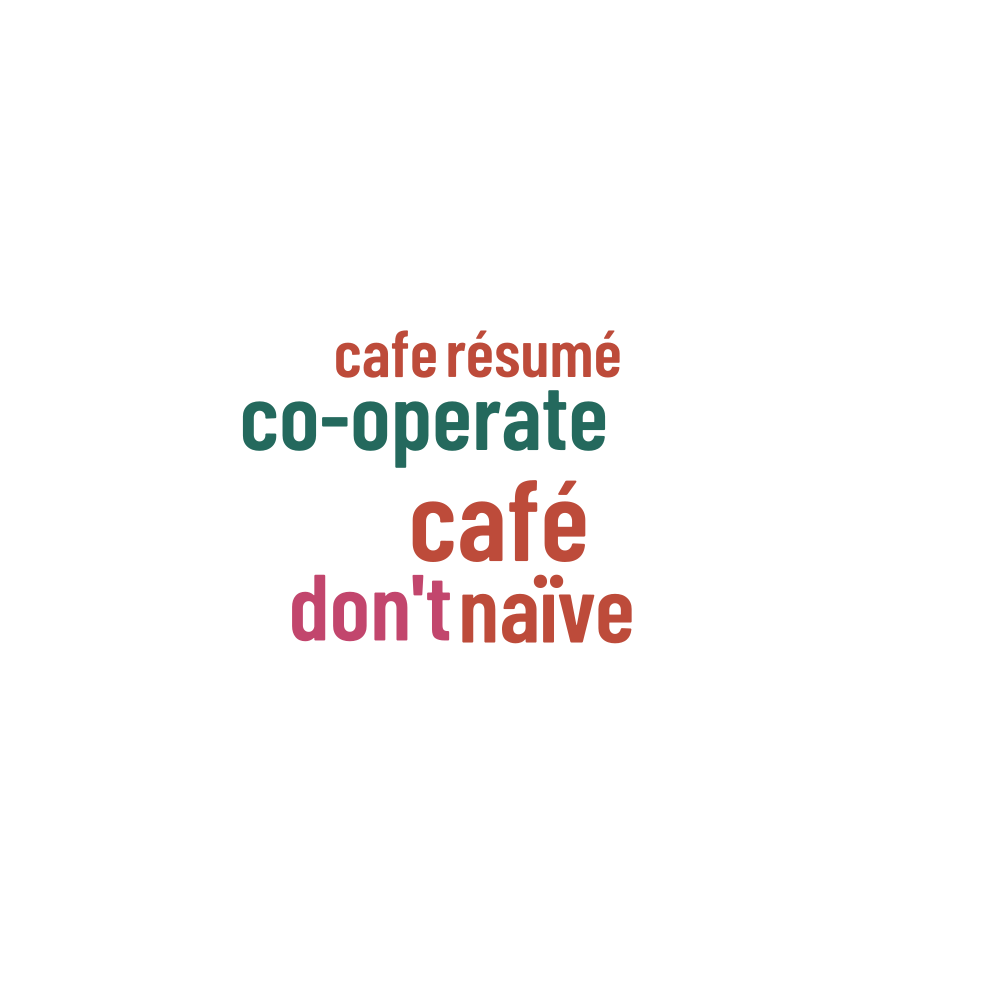
Words in this example
café · cafe · naïve · co-operate · don't · résumé